
Training Academy
Training Designed Around the Business You’re Actually Running
When a prospect comes in, training explains what to do next: review, permitted contact, activity, follow-up, pipeline, advertising needs, customer service and mobile work. The guided Business Owner Platform brings that process together.


Complete training by category
Open any category for a full explanation, practical application and step-by-step lesson guidance.
1Getting StartedThe process is already laid out: learn the platform, follow the steps, work the prospects and develop customers.
AdvertisingBusiness.us is a platform for buying and selling advertising products — email marketing leads and targeted website clicks — along with the tools to manage those relationships: a CRM, an Email Center, a replicated website and business reporting. Some members buy advertising for their own offers, some become Business Owners who resell advertising and packages to their own customers, and many do both.
It is important to understand the difference between buying and selling advertising on the platform. Buying means ordering email contacts or website clicks (or a Business Package that includes them) to promote your own business. Selling means operating as a Business Owner: presenting these same products to your own customers, taking orders, and earning eligible commission on qualifying activity.
The Business Owner program is the structure that supports selling. Approved Business Owners receive a replicated website, access to the CRM and Email Center to manage their own customers, and eligibility for commissions tied to qualifying Business Package orders under the current compensation terms. None of this guarantees sales, customers or income — it provides the tools and structure to run the business.
Your Member ID is permanent and is also your Business Owner ID. It never changes and is not replaced by a separate 'Business Owner number.' It is the identifier used to connect your replicated website, referrals, orders and commission records back to your account.
There are five Business Packages: Starter (75 business opportunity email leads, $10 recurring Business Owner commission), Business (150 email leads, $20 recurring commission), Growth (300 email leads plus 30 targeted website clicks, $30 recurring commission), Professional (450 email leads plus 60 website clicks, $40 recurring commission), and Pro (600 email leads plus 90 website clicks, $50 recurring commission). Current monthly prices are always shown on the Pricing page. Every package includes the full Business Owner platform; the difference is the monthly advertising amount and the recurring commission. There are no levels or downlines — commissions come only from customers you refer directly. These recurring commissions apply to eligible Business Owners only — they are not available to Affiliates.
Your replicated website presents the company, the advertising products and the Business Packages under your attribution, so that eligible visitor activity, orders and referrals connect back to your Member ID / Business Owner ID.
What you gain
- Know the difference between buying and selling advertising
- Understand your permanent Business Owner ID before you do anything else
- Know what each of the five Business Packages includes
Put it into practice
Read this category before sharing your website or making your first offer. Confirm your profile details, review your replicated website, and understand which of the five Business Packages you will present to new customers first.
Lessons in this category
- 1.What AdvertisingBusiness.us isA company advertising network generates the prospects your package includes, subject to availability and terms. Lessons here teach you how to work them. Training explains your next step; CRM, scripts, templates, email and Business Owner Mobile help you manage it.
- 2.Buying versus selling advertisingBuying is ordering products for your own promotion. Selling is operating as a Business Owner and presenting these same products, and the Business Packages, to your own customers.
- 3.Understanding the Business Owner programApproved Business Owners get a replicated website, CRM and Email Center access, and eligibility for recurring commission on qualifying Business Package orders under current terms.
- 4.Understanding the Business Owner IDYour Member ID is permanent and is the same as your Business Owner ID. It is distinct from a separate Affiliate ID, and it is never replaced or duplicated.
- 5.The five Business PackagesStarter (75 leads, $10 commission), Business (150 leads, $20 commission), Growth (300 leads + 30 clicks, $30 commission), Professional (450 leads + 60 clicks, $40 commission), Pro (600 leads + 90 clicks, $50 commission). Current monthly prices are shown on the Pricing page.
- 6.The replicated websiteYour assigned website presents the company and its products under your attribution so eligible orders and referrals are connected to your Business Owner ID.
2Advertising ProductsEmail marketing leads and targeted website clicks, sold as standalone products.
Two standalone advertising products exist outside of the Business Packages: email marketing leads and targeted website clicks. They are sold in fixed packages (email leads from 150 to 5,000, website clicks from 50 to 1,000) at the public retail prices shown on the Pricing page. Business Owners buy the same inventory at their reseller cost, shown on their dashboard.
These standalone products are separate purchases from the Business Packages. A customer can order email leads or website clicks on their own, or choose a Business Package that already includes a monthly allotment of leads (and, for Growth, Professional and Pro, clicks as well).
The two products differ in what they deliver. Email leads are contact records intended for outreach and follow-up through the Email Center or CRM. Website clicks are traffic delivered to a destination URL the customer supplies. Neither product guarantees a response, a sale or a conversion — they are advertising opportunities, not promised outcomes.
When describing either product, use accurate, responsible language. Do not describe leads as fresh, exclusive, real-time, qualified or phone-verified, and never promise a specific number of sales, replies or conversions from any order.
What you gain
- Know the exact pricing for every quantity of each product
- Understand what a lead is and is not
- Understand what a click is and is not
Put it into practice
Before quoting a price, confirm whether the customer wants a standalone product or a Business Package that already includes one. Describe each product using only what it actually delivers.
Lessons in this category
- 1.Email marketing leadsCustomers pay the public retail package price. Standard quantities are 150, 300, 500, 750 and 1,000. Leads are contact records for outreach, not guaranteed customers.
- 2.Targeted website clicksCustomers pay the public retail package price. Standard quantities are 50, 75, 100, 150, 200 and 300. Clicks are delivered traffic to the customer's destination URL, not guaranteed conversions.
- 3.How the products differLeads are used for outreach and follow-up in the CRM and Email Center. Clicks send visitors to a page the customer controls. Each is priced and purchased separately.
- 4.Responsible product descriptionsNever describe leads as fresh, exclusive, real-time, qualified or phone-verified, and never guarantee sales, conversions or income from either product.
3How Your Leads and Clicks Are DeliveredMonthly entitlements, how leads reach your CRM, unsubscribes, website clicks and add-ons.
Each time your monthly package payment succeeds, the platform opens a new monthly entitlement for you: 75, 150, 300, 450 or 600 business opportunity email leads, plus 30, 60 or 90 targeted website clicks on Growth, Professional and Pro. If a renewal payment fails, no new entitlement is created until it is resolved. If you cancel, you keep receiving the month you already paid for, and nothing new is issued after that.
Leads are delivered on a daily schedule from one central company inventory, paced so the full monthly amount arrives by the end of your period. Each lead is assigned to one Business Owner only and appears automatically in your private CRM, where the 30-message follow-up sequence starts. The numbers on your dashboard are counted from the actual leads placed in your account — never estimates.
Leads are licensed for email follow-up through the AdvertisingBusiness.us platform only. You may not resell or export them to other services, and a phone number on a record does not give you permission to call or text that person.
Every email includes an unsubscribe link. When anyone unsubscribes, they are blocked across the entire platform — not just from you. You cannot re-add, re-import or re-send to that address, and the platform will automatically skip it. Honoring opt-outs is the law and a condition of our supplier agreements.
Website clicks are real visitors routed to the destination web address saved on your dashboard. You can update that address any time under My Deliveries. Only visits that pass automatic filtering (bots, monitoring tools and rapid repeats are removed) are counted as delivered.
If you want more advertising than your package includes, additional email lead and website-click orders are separate purchases. They create their own delivery record and never change or reduce your monthly package amounts.
What you gain
- Know exactly when and how your monthly advertising arrives
- Understand why unsubscribes must be honored everywhere
- Keep your website-click destination up to date
Put it into practice
Check My Deliveries on your dashboard each week, confirm your destination URL is correct, and let the automatic follow-up work before sending anything manually. Never try to re-contact someone who unsubscribed.
Lessons in this category
- 1.Monthly entitlementsA paid renewal opens a new month: Starter 75 leads, Business 150, Growth 300 + 30 clicks, Professional 450 + 60 clicks, Pro 600 + 90 clicks. No payment, no new month.
- 2.How leads appear in your CRMLeads arrive daily, one owner per lead, directly into your private CRM, and the 30-message follow-up starts automatically.
- 3.Permitted useEmail follow-up inside the platform only. No reselling, no exporting, and no calls or texts just because a phone number is present.
- 4.Unsubscribes and suppressionOne unsubscribe blocks that address across the whole platform. The platform skips it automatically — do not try to re-add it.
- 5.Website clicks and your destination URLClicks go to the web address on your dashboard. Update it under My Deliveries; only filtered, valid visits count.
- 6.Additional advertisingExtra leads or clicks are separate orders with their own delivery record and never reduce your package amounts.
- 7.Recurring commissionsYou earn $10, $20, $30, $40 or $50 per month for each directly referred active customer on Starter, Business, Growth, Professional or Pro, after each successful payment. No levels or downlines. Canceled, failed, refunded or charged-back payments earn nothing.
4Building CustomersFind prospective customers and turn conversations into orders the right way.
Building a base of customers starts with identifying people who plausibly need advertising for something they are already promoting — a business, an offer, a website or a service. This category covers finding those prospects, explaining the products honestly, having a real conversation, following up, and taking care of the customer after the order.
Explaining advertising professionally means describing exactly what a product includes — quantity, price and delivery — without inflating what it can do. A good conversation asks about the customer's goal, destination and follow-up capacity before recommending a specific quantity or package.
Follow-up and customer service continue after the sale. A customer who feels informed and supported is more likely to come back for another order, but no repeat purchase is guaranteed.
What you gain
- A repeatable way to find and approach prospective customers
- Confidence explaining the products without overstating them
- A habit of following up after every order
Put it into practice
Identify a short list of prospective customers, prepare a plain-language explanation of the relevant product, have the conversation, record the outcome in the CRM, and schedule a specific follow-up date.
Lessons in this category
- 1.Finding prospective customersLook for people or businesses already advertising or promoting something — they have a use for email leads or website clicks and a reason to talk with you.
- 2.Explaining advertising professionallyDescribe quantity, price and delivery accurately. Avoid guarantees about sales, conversions or income when presenting any product or package.
- 3.Customer conversationsAsk what the customer wants to promote, what destination they will use, and how they plan to follow up before recommending a product or quantity.
- 4.Follow-upRecord every conversation and outcome, then set a specific date to check back in — whether or not the first conversation ends in an order.
- 5.Customer serviceAnswer questions about an order promptly and honestly, and use the CRM to keep the customer's history so future contact is informed and respectful.
5CRMThe system of record for every prospect and customer relationship.
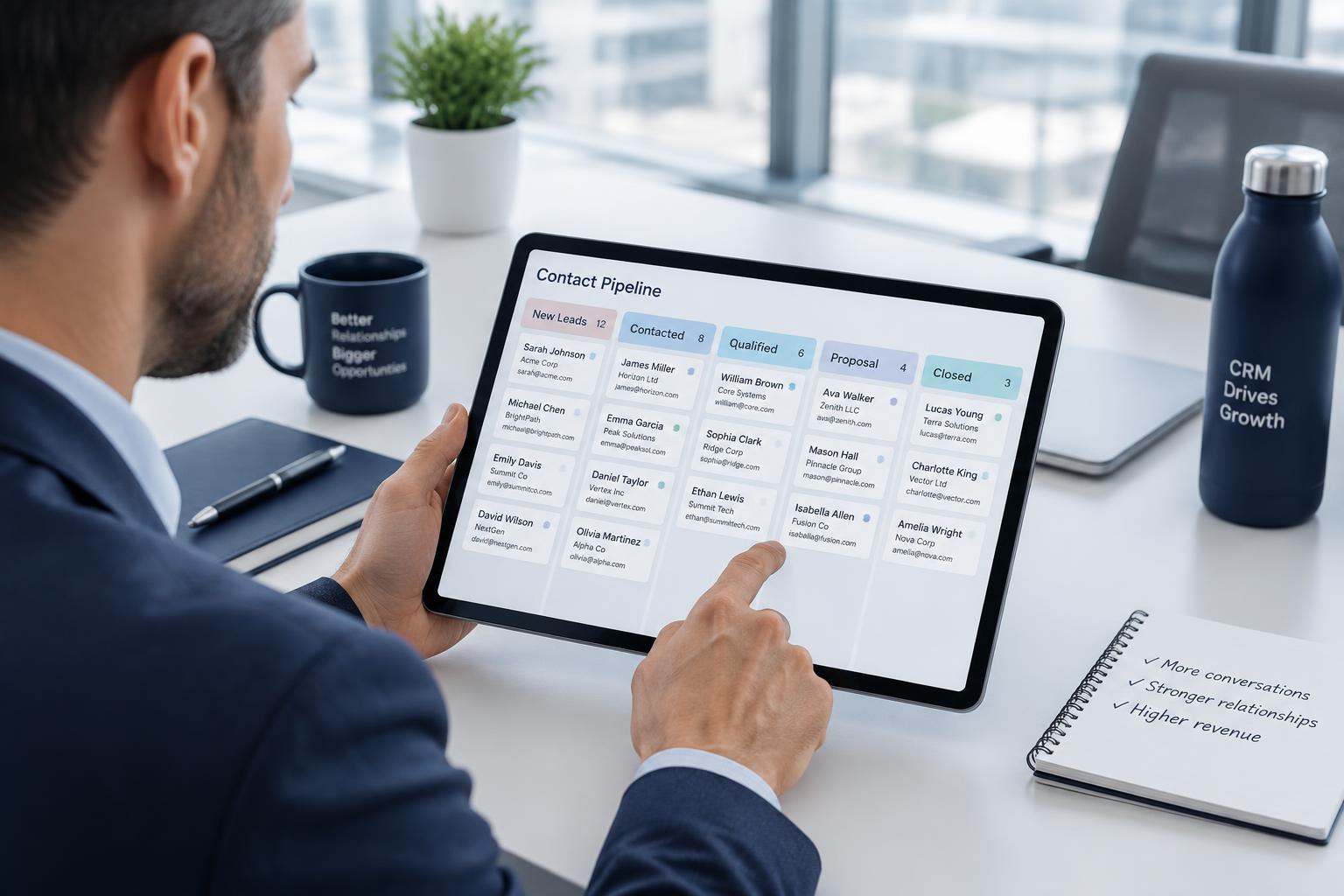
The CRM keeps your prospects and customers organized in one place: contact records, tags, notes, a 13-stage pipeline, tasks and follow-up dates. It is the working memory of your business — what happened with each person and what should happen next.
Each member sees only their own CRM records. Add only information you are authorized to keep, keep notes factual and respectful, and use the pipeline stages to reflect where a relationship actually stands rather than where you hope it will go.
Customer history — notes, tags, stage changes and past orders together — is what makes follow-up useful instead of repetitive. Reviewing a contact's history before reaching out again keeps every conversation relevant.
What you gain
- One place to track every prospect and customer
- A pipeline that shows where each relationship really stands
- Follow-up dates that keep contacts from going cold
Put it into practice
Open the CRM daily. Add new prospects as you meet them, apply tags and notes as conversations happen, move contacts through the 13-stage pipeline as the relationship changes, and keep tasks and follow-up dates current.
Lessons in this category
- 1.ProspectsAdd a new prospect with accurate contact details as soon as you identify them, so nothing is tracked from memory alone.
- 2.CustomersOnce an order is placed, keep the customer's record current so future communication and support reflect what they have already purchased.
- 3.NotesWrite factual, relevant notes about each conversation. Avoid recording unnecessary sensitive details or unsupported assumptions.
- 4.TagsUse tags to group contacts into searchable categories that make later filtering, follow-up and email audiences easier to build.
- 5.Follow-upSet a specific follow-up date and next action for every open contact, and review due and overdue follow-ups regularly.
- 6.Customer historyReview a contact's full history — notes, tags, stage changes and prior orders — before every new conversation.
6Email CenterSend individual email, broadcasts and templates once a provider is connected.
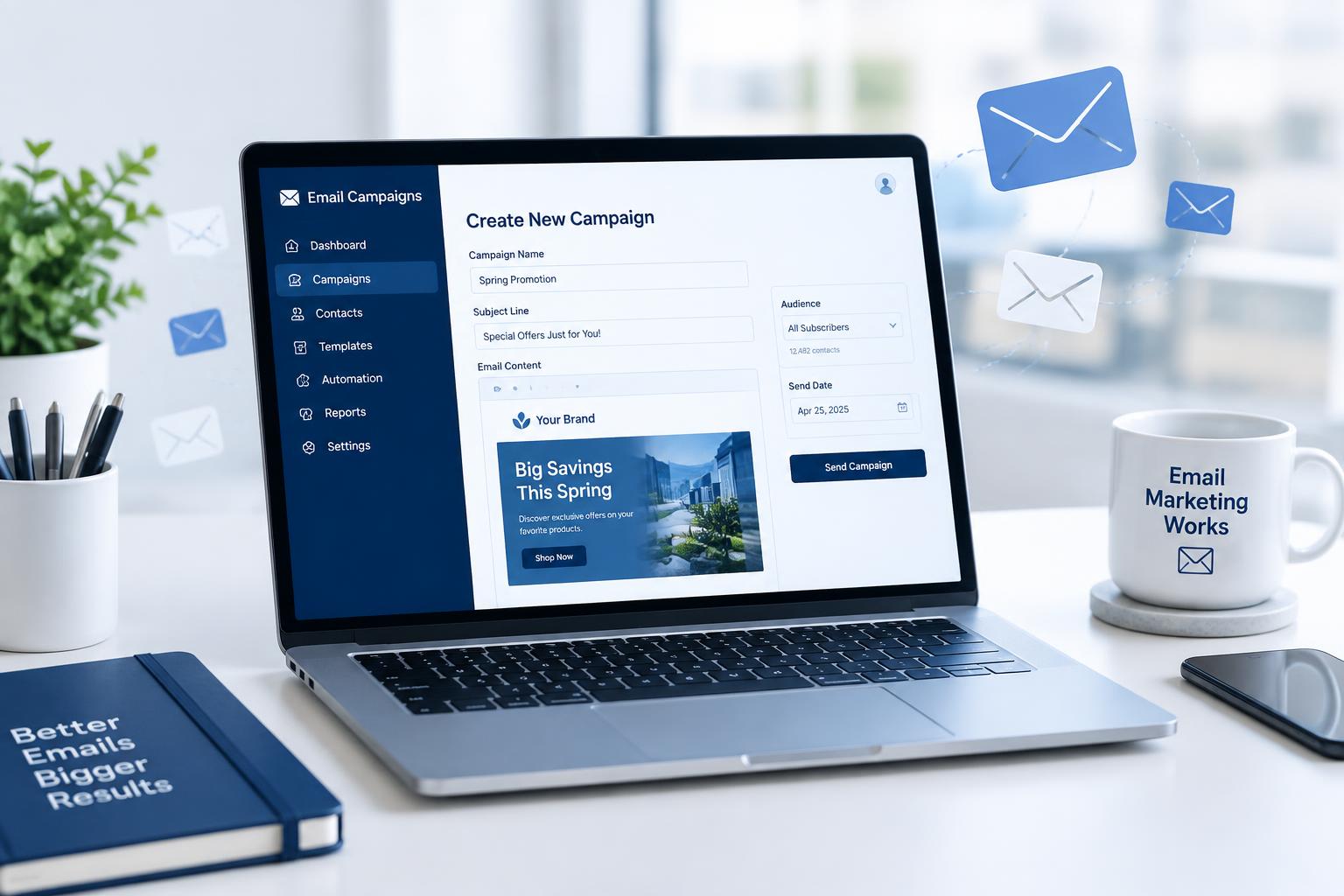
The Email Center supports individual email to a single contact, broadcasts to a filtered audience, reusable templates, autoresponders, saved drafts and an activity log of what was sent. It is built for accurate, permission-based communication with contacts already in your CRM.
Email sending only activates once an email provider is connected to your account. Until a provider is connected, sending tools are shown as not active — there is no way to deliver email without completing that connection first.
Templates let you save an approved message once and reuse it, but every template should still be reviewed before it goes out, since audiences and offers change.
What you gain
- Send one-to-one email or a filtered broadcast from the same tool
- Reuse templates instead of writing every message from scratch
- See a record of what was sent and to whom
Put it into practice
Connect an email provider before attempting to send. Then choose individual email for one contact or a broadcast for a filtered audience, use a template as a starting point, and check the activity log after sending.
Lessons in this category
- 1.Individual emailSend a personal message to a single contact directly from their CRM record, and it is preserved in that contact's history.
- 2.BroadcastsFilter your audience by tags, stage or other criteria before sending a broadcast, so the message reaches only the intended group.
- 3.TemplatesSave approved messages as templates for reuse, and review each one before sending to make sure it still matches the audience and offer.
- 4.Connecting an email providerEmail sending will not activate until a provider is connected to your account. Complete this connection before relying on any sending feature.
7AutoresponderThe 30-message follow-up campaign that is provisioned automatically for every account.
Every account is automatically provisioned with a 30-message follow-up sequence that sends roughly every 3 days over about 88 days. Each account has its own private, editable copy of this sequence — changes you make do not affect anyone else's copy, and their changes do not affect yours.
Adding eligible contacts, activating and pausing the sequence, and managing the responses it generates are all part of running the autoresponder day to day. As with any email sending, delivery only occurs once an email provider is connected to your account.
Some parts of the sequence can be edited to fit your business, within what the platform allows; understand what is and is not editable before making changes. Review the schedule so you know roughly when a contact will receive each message.
What you gain
- A follow-up sequence that is already set up for you
- Your own private, editable copy separate from other accounts
- A predictable schedule you can plan around
Put it into practice
Review your copy of the 30-message sequence, confirm which contacts are eligible to be added, activate it, and check in periodically to manage responses and pause the sequence for contacts where it is no longer appropriate.
Lessons in this category
- 1.Understanding the 30-message campaignEvery account automatically receives its own editable copy of the 30-message sequence, which runs on an approximately 3-day cadence over about 88 days.
- 2.Adding eligible contactsAdd contacts who are appropriate for ongoing follow-up, and confirm an email provider is connected so messages can actually be delivered.
- 3.ActivatingTurn the sequence on for a contact once they are eligible and ready to begin receiving the scheduled messages.
- 4.PausingPause the sequence for a contact when it is no longer appropriate to continue — for example, after they unsubscribe, ask you to stop, or convert to an active customer relationship that needs a different approach.
- 5.Editing where permittedUpdate the parts of your private copy of the sequence that are editable so the wording stays accurate for your business, without altering the parts the platform does not allow you to change.
- 6.Managing responsesReview replies generated by the sequence and follow up in the CRM or Email Center as needed, rather than leaving them unanswered.
- 7.Understanding the scheduleKnow that messages are spaced roughly every 3 days across about 88 days, so you can anticipate when a given contact will hear from the sequence next.
8Business ManagementOperate the ongoing business: customers, orders, commissions, analytics and follow-up.
Business Management brings together the day-to-day operating tasks of running a Business Owner account: maintaining customer relationships, tracking advertising orders, understanding Business Package commissions, reading analytics, and keeping follow-up organized across your whole customer base.
Business Package commissions are recurring for eligible Business Owners on qualifying orders — $10 for Starter, $20 for Business, $30 for Growth, $40 for Professional and $50 for Pro — under the current compensation terms. This is different from Affiliate compensation, which is one time only and never recurring.
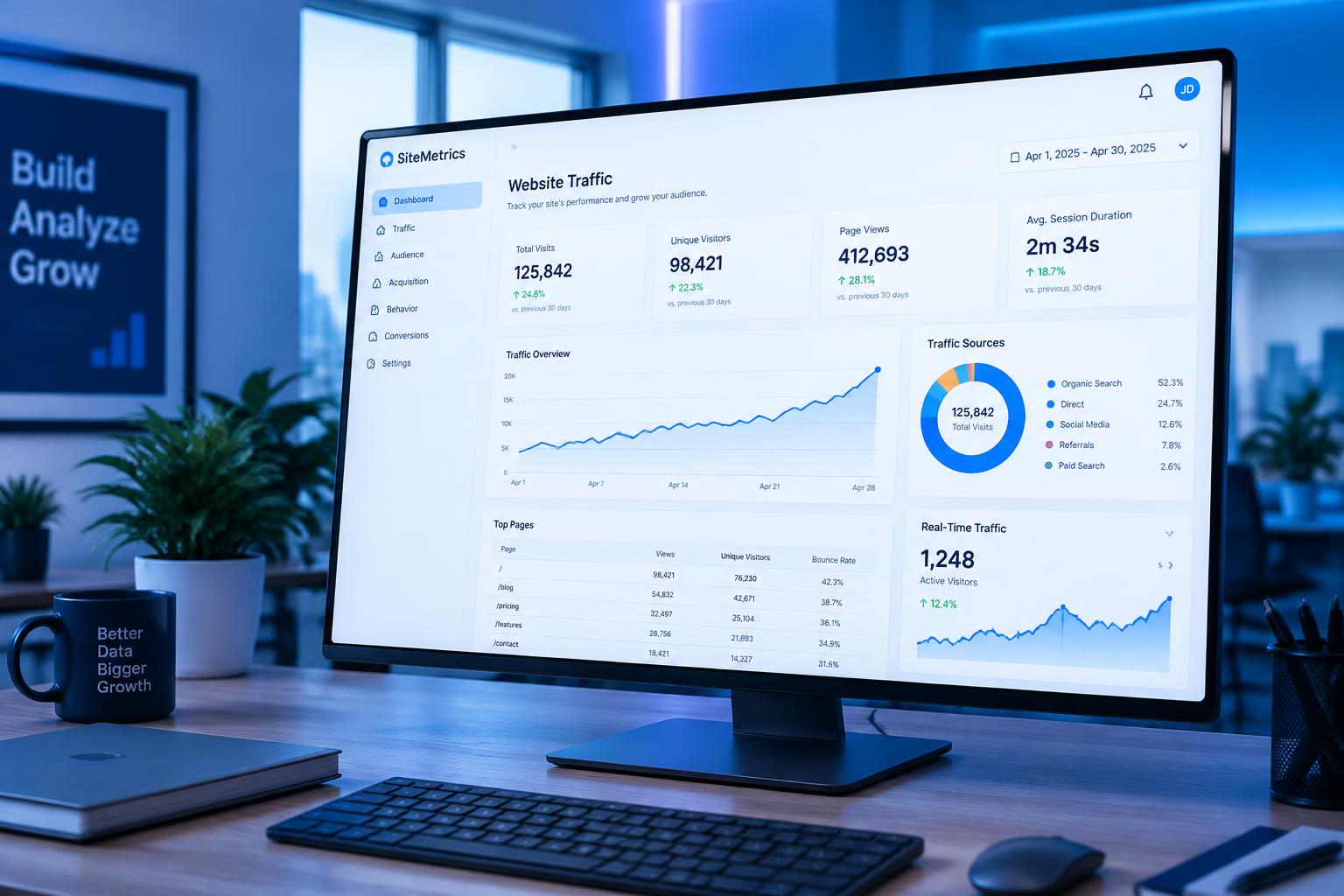
Analytics and reporting describe what has already happened — orders placed, customers active, commissions recorded — and are a tool for planning, not a projection or promise of future results.
What you gain
- One operating routine covering customers, orders and commissions
- Clarity on how Business Package commissions actually work
- Analytics you can use to plan the next day's work
Put it into practice
Set a regular schedule to review current customers, recent advertising orders, commission records and analytics, and use what you find to organize that period's follow-up priorities in the CRM.
Lessons in this category
- 1.Customer relationshipsMaintain accurate, current records of every customer relationship so orders, support and follow-up all reflect the real history.
- 2.Advertising ordersTrack standalone email lead and website click orders alongside Business Package orders, and keep their status current for the customer.
- 3.Business Package commissionsEligible Business Owners can earn a recurring commission on qualifying Business Package orders — $10/$20/$30/$40/$50 for Starter/Business/Growth/Professional/Pro — under current terms. This recurring commission is separate from one-time Affiliate compensation.
- 4.AnalyticsUse recorded activity — orders, customers and commissions — to understand trends and plan follow-up, not to forecast guaranteed results.
- 5.Follow-up organizationUse the CRM's tasks and follow-up dates to keep business-wide follow-up organized rather than relying on memory across a growing customer list.
9ComplianceThe rules that keep advertising, email and income claims honest and lawful.
Compliance protects customers, recipients and your business. All advertising and email activity must be responsible, lawful and accurate — this includes following applicable email requirements, describing products truthfully, and never making income claims.
Prohibited marketing includes spam, unsolicited bulk email, deceptive claims, false urgency, guaranteed-results language, and any description of leads as fresh, exclusive, real-time, qualified or phone-verified. Lead usage must respect the permissions attached to each contact and any suppression or unsubscribe request.
When in doubt about whether a claim, message or use of a lead is appropriate, stop and verify before proceeding rather than guessing.
What you gain
- Avoid claims and practices that put your account at risk
- Keep email sending and lead usage inside the rules
- Protect customers and recipients from misleading claims
Put it into practice
Before sending a message or making a claim, check it against these standards: is it truthful, is it permitted for this contact, and does it avoid promising income, sales or conversions.
Lessons in this category
- 1.Responsible advertisingDescribe every product and package accurately, and never promise sales, customers, income or a specific advertising result.
- 2.Email requirementsUse accurate sender information, honor unsubscribe requests, and never bypass suppression to re-contact someone who has opted out.
- 3.Income claimsNever guarantee income, sales, conversions or repeat purchases, and never describe commission as residual or passive income.
- 4.Prohibited marketingDo not use spam, deceptive claims or false urgency, and never describe leads as fresh, exclusive, real-time, qualified or phone-verified.
- 5.Lead usageUse each lead only within its attached permissions, respect suppression and unsubscribe requests, and never resell or reuse a lead outside its intended purpose.
Training built around what you actually sell
Training is inside the member area
Lessons, articles, videos and downloads are published by category in your account. Sign in to see what is available to your plan.
A Platform Built for Success connects prospects, products, technology, training and process. Prospects provide opportunity; the process provides direction; tools provide structure; training provides guidance. You build the relationships and business. No results are guaranteed.